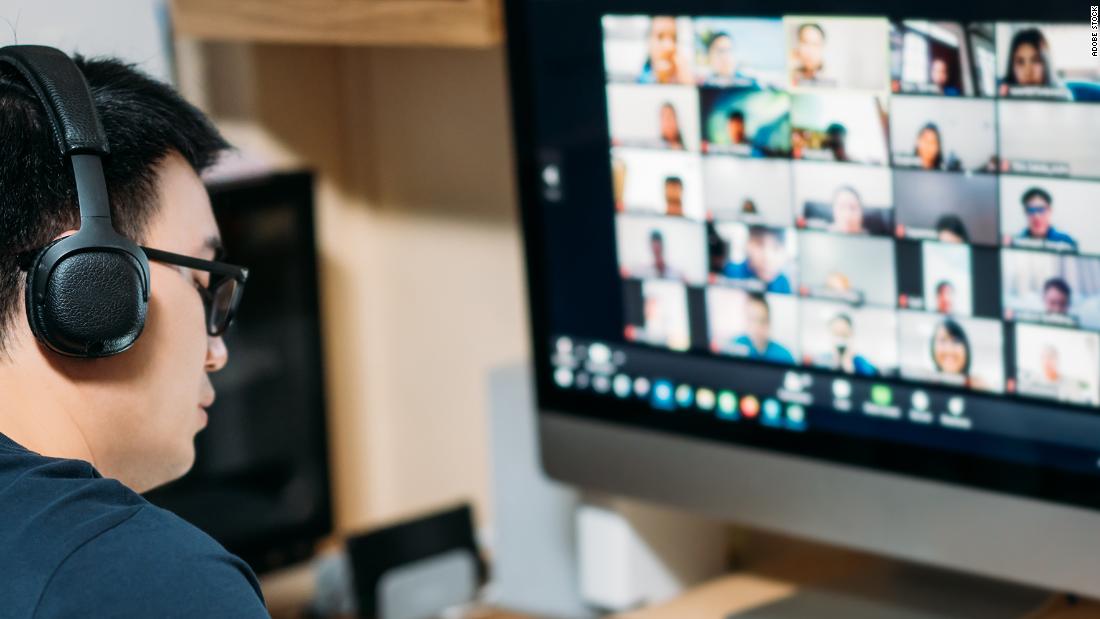
Culture Stop making employees turn on webcams during meetings - The latest battle in office life may be over whether or not to keep the camera on during virtual meetings.


1632699646115.png


The latest battle in office life may be over whether or not to keep the camera on during virtual meetings.

One woman who works at a New York-based nonprofit told CNN Business she received an HR complaint in August for the first time in her career because she kept her camera off during virtual work meetings. Shortly after, she said she received another HR complaint for the same reason.

"I was on a call with about 15 employees and [the speaker] said everyone should have their camera on because it's company policy and part of our culture now," said the woman, who asked to remain anonymous for fear of company retaliation. She said she has long disliked being in front of a camera, whether it's for pictures or videos, and the meetings only added to that discomfort. "I told them being on camera causes me anxiety and didn't turn it on. I eventually got a doctor's note."

Although she is still required to keep her camera on, she now sits mostly out of frame with only her shoulder showing -- something her company said is acceptable. But she feels this makes things even more awkward. She is currently looking for a new job.

She's not alone in wrestling with the new normal of constant video calls. In interviews with CNN Business, several workers described how leaving the camera on in meetings made it harder to focus on their work, sparked feelings of frustration about having to stay in one place for long periods of time, and created some discomfort about broadcasting their living situations to others. Yet workers can also feel pressure to leave the camera on, whether it's because of an explicit request from the company to do so, or because of the perception -- refuted by one recent study -- that they're less productive and engaged if they have it off.

Lydia Mack, a Los Angeles-based copywriter for brands and startups, said she keeps her webcam off during calls with clients and co-workers because she can concentrate better that way. But she's found there are downsides to this approach, too. "If it's a team meeting and I'm the only one with my camera off for an extended period of time, it can also be a distraction [for others] and leave them wondering if I'm even at my computer, heard the conversation in its entirety, and so on."

1632699239802.png

Lydia Mack, a copywriter, said she can focus more on work calls if her camera is turned off.

The rise of on-camera meetings -- and misconceptions about it

After the pandemic hit, video conferencing services including Zoom, Webex, Microsoft Teams and Skype emerged not only for virtual meetings and classroom lessons but happy hours, costume parties, church services, brunches, book clubs and dates. But as lockdowns continued, more people experienced exhaustion from virtual meetings, a phenomenon often called Zoom fatigue.

Allison Gabriel, a professor at the University of Arizona, co-authored a study that suggested appearing on camera may contribute to the feeling of Zoom fatigue. The study also found more women experience webcam fatigue.

"Women tend to have higher self-presentation costs than men and are likely to feel heightened pressure to demonstrate competence by appearing extra vigilant on camera," Gabriel said. "Additionally, as women took on disproportionate childcare demands compared to men during the pandemic, they are more likely to have kids in the background, which could unfortunately call into question their ability to be committed to their work and their ability to focus. We also tend to hold women to higher standards for physical appearance. Being on camera can exacerbate all of these things."

Newer employees also feel greater pressure to demonstrate competence and engagement because they feel the need to prove they deserve to be there, Gabriel said.

Contrary to the common assumption that someone with their webcam turned off may be distracted, multitasking or disengaged. Gabriel's research found that switching webcams off during meetings can actually make employees more productive because they're better able to focus on the content and less on how they or others look.


Searching for solutions

Some organizations are now realizing a change is needed, but there are tradeoffs.

Companies such as Citigroup, Dell and New York University responded to the rise of Zoom fatigue by implementing policies such as "no Zoom Fridays," encouraging people to take meetings by email or phone instead. And some universities made it optional for instructors or students to keep webcams on during lessons.

"Students have to 'Zoom in' from a variety of settings, and requiring cameras to be on unfairly magnifies socio-economic differences and is also ableist," said Julia Raz, a communications professor at two California-based colleges. "I wouldn't say it's distracting to have webcams off. It is just rather disheartening and lonely to talk to a screen full of black rectangles."

At the same time, some people may feel more engaged and connected to their colleagues when on camera. That's why solutions need to be put in place to cater to all comfort levels.

Zoom, for example, recently rolled out new tools that help support the hybrid work environment but could also provide some relief to video call fatigue. This includes a collaborative whiteboard tool that puts the focus on the content and less on people's faces.
Jeremy Bailenson, a professor of communication at Stanford University and founding director of the Virtual Human Interaction Lab, advises managers to categorize their meetings into two types: ones in which seeing one another's faces is critical, and others where screen sharing and talking with voices is sufficient. "When executives sit down and go through this process, they realize that there are a handful of meetings where you absolutely need to see faces."

While making meetings with webcams optional may also sound like an effective solution, Bailenson argues the opposite. "This is similar to asking someone if they want to help out on a big project over the weekend," he said. "Many people will prefer not to do it, but all will feel pressure to say yes. The better solution is to make cameras mandatory every once in a while, and prohibit them from the rest."

He added that managers, especially male managers, should turn off cameras during these times or employees will otherwise feel pressure to show their faces.


Well it's a valid suggestion. Even if your bedroom is nice and tidy, maybe you don't want to turn on the camera because you still don't have things set up presentable enough for a squeaky clean "corporate" image.
 
You’re right, there’s also several legitimate reasons, and that’s one of them. Kids at home being another. Problem is - from management‘s side - there’s no way to know who’s abusing it and who’s not.

I give a lot of companies shit for not understanding how to mitigate lazy employees without penalizing good employees, and there’s definitely some element of that here, but it’s also a more understandable policy here than something like installing keylogger software.

Why are you concerned for Socjus supporting Corpos ? the sooner the collosus with feet of clay falls the better.
 
I worked for a company that liked to use tattle software, so I just found a way to root the system and yank it out. It took them about 3 months to figure out "Huh, our metrics software doesn't seem to work on your connection. We can't quite figure out why..." by the time they figured it out, I quit.
 
Teams is a real piece of shit, it goes yellow all the time. I broke down and downloaded "Caffeine.exe" and it silently pushes the F10 or F11 key every 60 seconds for me. My work day(Disgaea 6 grind) has drastically improved.
Any way to get this program on a work desktop that blocks downloads?
 
Any way to get this program on a work desktop that blocks downloads?
You could always use an oscillating desk fan and a few desk supplies to wiggle your mouse around if software solutions are impossible.

A more high tech solution I have seen are some special dongles that emulate your mouse or keyboard, but those are special order and probably full of spyware I bet. Plus the device will probably be visible to your IT department and spotted if they are competent.

I will suggest using a bit of string to pull the mouse with the fan and a rubber band to reciprocate the motion. I've also seen good results with a straw and chopsticks. Release your inner McGuyver.
 
Any way to get this program on a work desktop that blocks downloads?

Just install Teams on a cheap old laptop or android phone, rig it to never be idle and leave it on a shelf somewhere, that way you don't have to do anything dodgy with your work kit and it doesn't matter if it's even turned on. I'd also recommend you find a better job where you don't have to deal with some micromanaging twat.
 
Any way to get this program on a work desktop that blocks downloads?
100% blocked? Downloads by HTTP? FTP? USB? CD/DVD? No access at all?

Also, it may seem like it block "downloads" but it loads webpages, right? There are tons of ways to make it work then. You can just navigate it to a particular page and have it download the file as a temp internet file, then rename it back into an .exe file.

If it has a microphone, there is a really roundabout way that involve playing a sound through the microphone, which is actually used by a website that takes the tone and reconstructs a file piece by piece on the target system.
 
Última edición:
CNN Eh? Is this because of Toobin?

I do not do video calls. I have had reps well before TFV ask for them and I shoot them down. These are people I meet with at conventions and trade shows but video calls? Naw.

I find them uncomfortable and unnecessary beyond tracking what people are doing during meetings. If your meeting is necessary you do not need to make sure everyone is paying attention. The problem with a lot of people(especially those who rise to middle management) is that they do not seem to understand most of what they have to say is not important and you cannot jump in to say, "Well Tom I know you think that is a really valid topic but you are just repeating what you said in a different way so we are going to leave now" which causes meetings to drag on and on and on and on and on and on.

When I would run a meeting I would set an alarm for 10 minutes(most of the time there were of course exceptions) on my phone and put it on the table. When that alarm went off it was understood that the meeting was over no matter who was speaking. You got to finish your sentence and that was it. If people had questions they were shared on whatever platform we were using at the time though I found slack great for it when that came along.

Meetings suck. No one likes them even if there are snacks. The only people who look forward to the weekly meeting or daily meeting are weird friendless leeches.
 
During college "classes", I make it clear to people they dont want to see me. I look horrifying right out of the bed...and I just have my undies on soo...
 
Wish more men just masturbated slightly off camera to creep people out of wanting to do this shit.
Be the change you want to see!
I find them uncomfortable and unnecessary beyond tracking what people are doing during meetings. If your meeting is necessary you do not need to make sure everyone is paying attention. The problem with a lot of people(especially those who rise to middle management) is that they do not seem to understand most of what they have to say is not important and you cannot jump in to say, "Well Tom I know you think that is a really valid topic but you are just repeating what you said in a different way so we are going to leave now" which causes meetings to drag on and on and on and on and on and on.
Already had two meetings in a row about absolutely nothing this morning, fml
 
Are people gonna be dragging this WFH shit on forever?
Why not? Going to the office does not make sense for everyone. Especially people who are just on computers all day anyway.

Come on, bigot, it's 2021. What do you mean you're not trying to get a train run on you by your coworkers?
I'm not putting away my dragon dildo collection, which is conveniently located directly behind my desk, just for my co-workers.
 
Any way to get this program on a work desktop that blocks downloads?
Maybe you can USB it onto your work computer. It's an .exe that doesn't require any installation, so if you can get it onto the laptop it should run easily and smoothly, unless you're working under a truly dystopian Panopticon of a megacorp.
 
Maybe you can USB it onto your work computer. It's an .exe that doesn't require any installation, so if you can get it onto the laptop it should run easily and smoothly, unless you're working under a truly dystopian Panopticon of a megacorp.
I tried that and the work desktop they gave us didn't read the USB stick I had.
 
I tried that and the work desktop they gave us didn't read the USB stick I had.
can you access a public email site in your browser? Protonmail, hotmail, yahoo, yopmail, mailinator, etc? It's small enough you may be able to email it to yourself as an attachment. It may even be a valid attachment to your work email address.

Anything further would be something more extreme, like stopping the BIOS from booting your OS when powering on, then forcing the file into your windows documents folder or something through a boot disk USB
 
Atrás
Top Abajo