Mirror Images - This should be funnuf eb dluohs sihT

  • Iniciador del tema Iniciador del tema 0 0
  • Fecha de inicio Fecha de inicio
  • 🔧 Site instability resolved. You can report double-posts and broken attachments. For bigger issues, use the Technical Grievances thread.
    🇵🇦 Nuestro primer dominio localizado está en español en kiwifarms.pa. Our first localized domain is on Spanish on kiwifarms.pa.
  • Want to keep track of this thread?
    Accounts can bookmark posts, watch threads for updates, and jump back to where you stopped reading.
    Create account

0 0

--- .... / --.. . .-. ---
Miembro del personal
Global Moderator
True & Honest Fan
kiwifarms.net
Registrado
25 de Nov, 2017
How to mirror in MS Paint:
  1. Copy image you want to mirror into MS Paint
  2. Pick Select tool (rectangle)
  3. Select highest point of image and horizontally at where you want the mirror's center to be
  4. Select all of the left or all of the right side and copy
  5. Paste, right click, and select "Flip Horizontal" (may be hidden behind a menu or two)
  6. Line up the flipped selection to mirror properly. There shouldn't be a visible crease where it mirrors
  7. Crop if needed then save
How to mirror in Photoshop:
  1. How do you use Photoshop and not know how to mirror an image
  2. Select entire half centered where you want to mirror
  3. Copy to a new layer, rotate layer horizontally, then center as appropriate
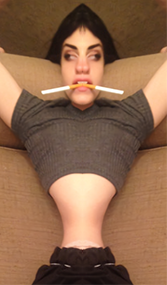
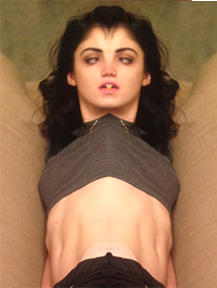
Post the original for comparison and then whatever your mirrors are.

j2OBaEN.jpg
pMWLCKj.jpg
Jcz3hDl.jpg

HHI6n0J.jpg
erotic dentistry.jpg
hnnngh.jpg

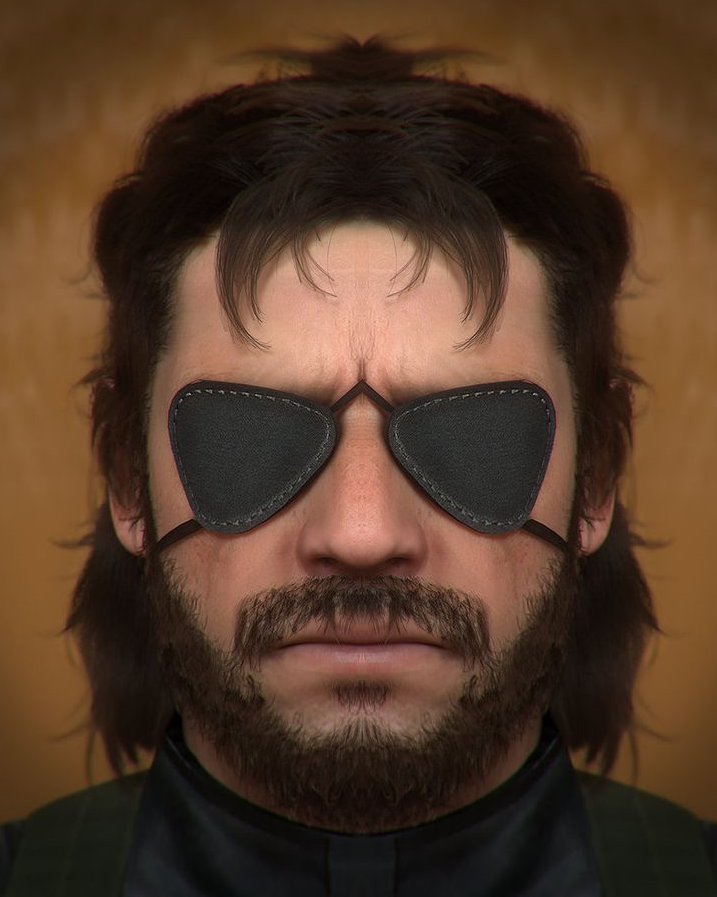
60c300af74eaad73b29ed5fc6f20d9ef--metal-gear-solid-the-phantom.jpg
mirror snake.png

null.png
nuun.png
llull.png
 
How to mirror in MS Paint:
  1. Copy image you want to mirror into MS Paint
  2. Pick Select tool (rectangle)
  3. Select highest point of image and horizontally at where you want the mirror's center to be
  4. Select all of the left or all of the right side and copy
  5. Paste, right click, and select "Flip Horizontal" (may be hidden behind a menu or two)
  6. Line up the flipped selection to mirror properly. There shouldn't be a visible crease where it mirrors
  7. Crop if needed then save
How to mirror in Photoshop:
  1. How do you use Photoshop and not know how to mirror an image
  2. Select entire half centered where you want to mirror
  3. Copy to a new layer, rotate layer horizontally, then center as appropriate
Post the original for comparison and then whatever your mirrors are.

Ver archivo adjunto 335217

Ver archivo adjunto 335215

Ver archivo adjunto 335213

Ver archivo adjunto 335221
i wish i could :semperfi: this post for the lovely content it has produced

edit: anyway i may do one later
 
Atrás
Top Abajo